
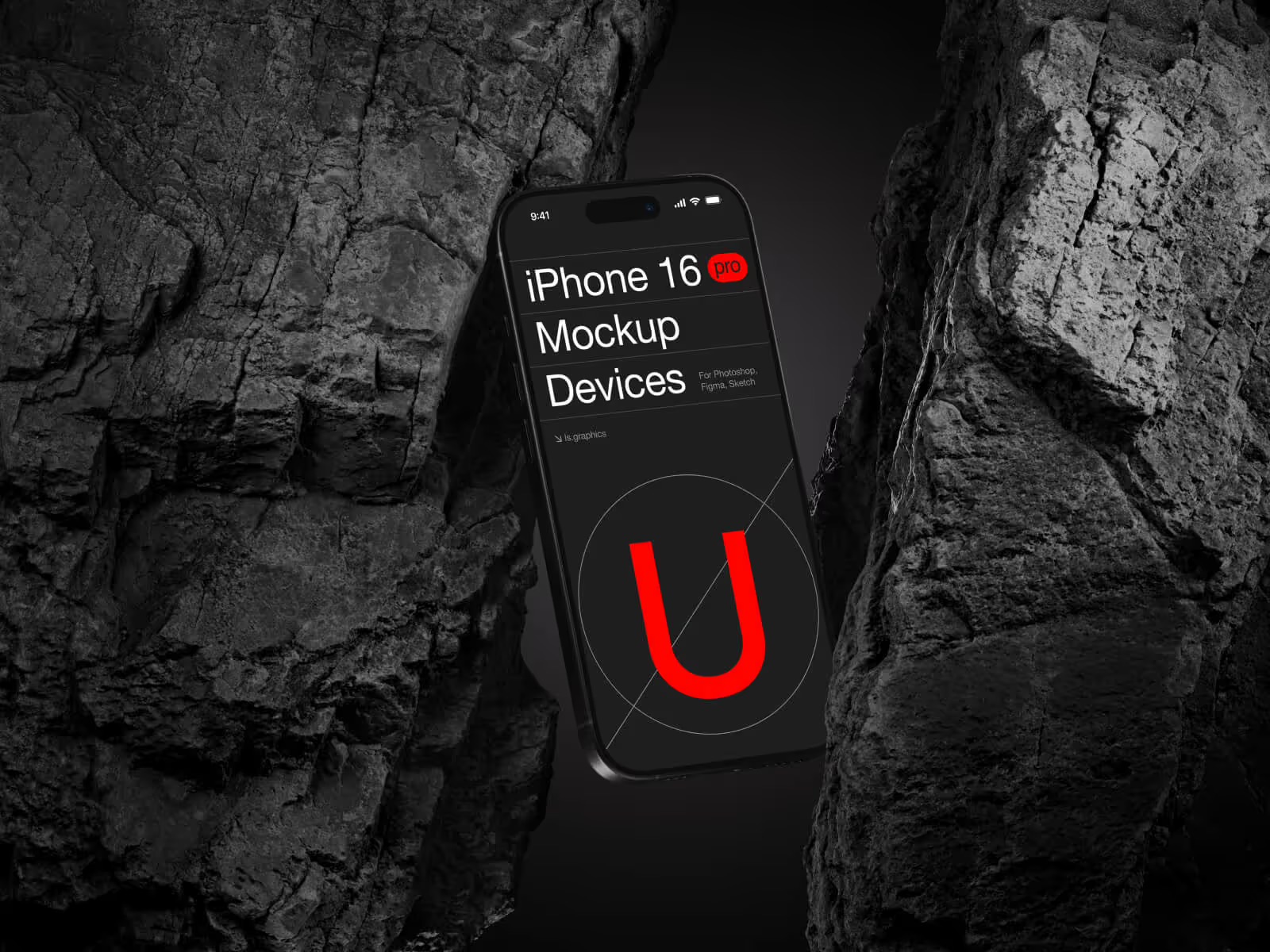
You’ve built a beautifully designed mobile shopping experience. The checkout flow is intuitive, the product cards are sharp, the micro-animations feel native. Now the real question: how do you show all of that before anyone downloads a thing?
That’s the job of an iPhone mockup. For e-commerce brands and marketers, a well-crafted device mockup bridges a Figma file and a compelling story — visual proof of concept in the most persuasive form possible.
Why Presentation Is a Commercial Decision
Mobile commerce has stopped being a trend and become the terrain. Shoppers browse mid-commute, add to cart mid-conversation, purchase with a thumb tap. Yet too many brands still present their mobile interfaces as raw, lifeless screenshots.
Nest that same screen inside a beautifully rendered iPhone — accurate shadows, authentic reflections, intentional breathing room — and your product has personality. That’s not decoration. That’s strategy.
Real-World Examples: iPhone Mockups in E-Commerce Practice
The use cases go deeper than most expect.
App Store Previews. Before a shopper downloads your app, they scroll your listing. Fashion retailers and grocery delivery brands invest in these frames, placing polished UI moments inside angled iPhone renders to create a live, tactile feel.
Social Media Advertising. A skincare brand running Instagram ads might show their loyalty app inside an iPhone mockup on a soft background. That device frame makes the ad feel editorial, not promotional — and that shift lifts click-through rates.
Investor Pitch Decks. Startups use iPhone mockups in presentations to signal polish and intent. A crisp render of a checkout screen says “we ship thoughtfully” before a live demo runs.
Landing Pages. E-commerce SaaS platforms showcasing mobile storefront builders almost always lead with a device mockup above the fold — shorthand for “this works on the screen your customers actually use.”
What Separates a Good Mockup from a Great One
- Rendering realism — Does the glass catch light like a real screen? Cheap mockups look cheap, and that reflects on the product inside the frame.
- Angle and composition variety — A flat front-facing view tells one story. A three-quarter perspective, hand-held lifestyle scene, or top-down flat lay each unlock entirely different creative possibilities.
- Organized layer structure — For designers swapping screens across many assets, clearly named layers save hours. It’s a workflow requirement, not a bonus.
- Background and environment context — A mockup dropped on a plain white canvas says nothing about brand. The right environment — a desk surface, a gradient, a lifestyle setting — frames the product emotionally before the UI even registers.
- Device accuracy — Details matter. The correct camera module shape, button placement, and screen notch for the current iPhone generation signal credibility. Outdated hardware in a mockup quietly undermines the freshness of the product you’re showing inside it.
iPhone Mockups on LS.Graphics: What Makes Them Worth Your Time
ls.graphics has built a mockup library designers return to because the quality is substantive, not just marketed. The iPhone collection earns its place for concrete reasons.
The ultra-realistic rendering is immediately apparent. The aluminum frame reacts to ambient light, the screen glass has real depth, and compositions read as photographic even when you know they’re renders. For e-commerce, where premium perception affects conversions, that realism matters commercially.
The files ship with organized, clearly named layers, so placing your UI is fast regardless of team size. Multiple angles and perspectives are available — front-facing, three-quarter, isometric, lifestyle — covering the contexts e-commerce actually demands.
Different color styles and stylish minimalistic compositions mean the mockups adapt to your brand rather than forcing compromise. Dark and editorial or bright and clean — both rendered with genuine craft.
The Edit Online feature lets designers place screens and tweak compositions directly in the browser — no Photoshop required. And there’s a large collection of free scenes to explore, so you can test real content before committing to anything.
Using Mockups Strategically, Not Just Decoratively
A library is only as strong as the strategy behind it. Match mockup context to channel: lifestyle compositions perform in social feeds; clean isolated renders suit App Store listings. Consistency in device style and lighting across all touchpoints builds a visual identity that reads as deliberate.
Always populate the frame with real, finished UI. Placeholder screens waste the mockup. The power is specificity — making something intangible feel usable and worth downloading.
Conclusion
iPhone mockups are a commercial asset, not a design afterthought. They compress complex user experiences into a single persuasive image, build trust before a first interaction, and signal your team’s standards before anyone touches the app.
In a mobile-first shopping world, brands that invest in how their product looks — not just how it functions — consistently hold an edge. Platforms like ls.graphics make that worthwhile, with ultra-realistic quality, flexible compositions, and tools built for real workflows. The mobile era is now here — present accordingly.
Хотите, чтобы я обновил HTML-файл с этой финальной версией?